Problem: The flames display panel is broken.
Solution: Replace the flame display panel
Models Supported:
80073 - BurnBrite 22" Smart Electric Log Insert
80074 - BurnBrite 27" Smart Electric Log Insert
Tools Required:
- Phillips Screwdriver
Instructions:
1. Turn Off the BurnBrite Oak Log Electric Fireplace and unplug the fireplace from the wall outlet.
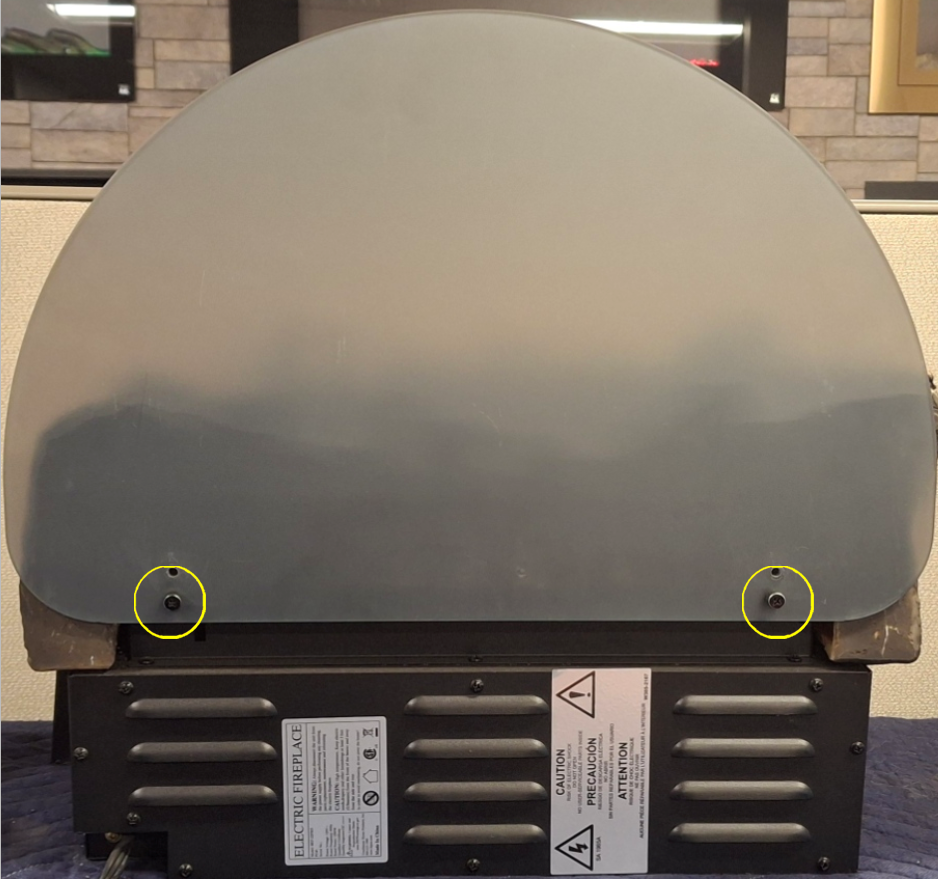
2. Turn the fireplace around so that you are viewing the back of the fireplace and locate the 2 thumb screws on the back of the fireplace securing the flame display panel.
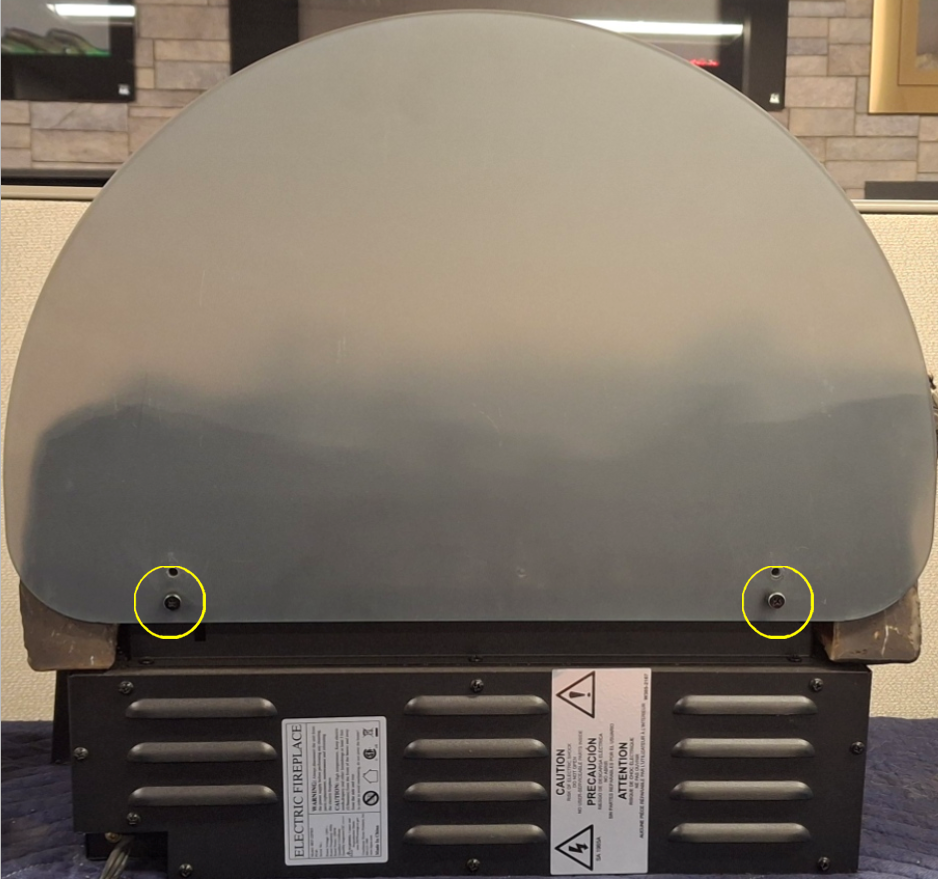
3. Loosen and remove both thumb screws to remove the flame display panel.
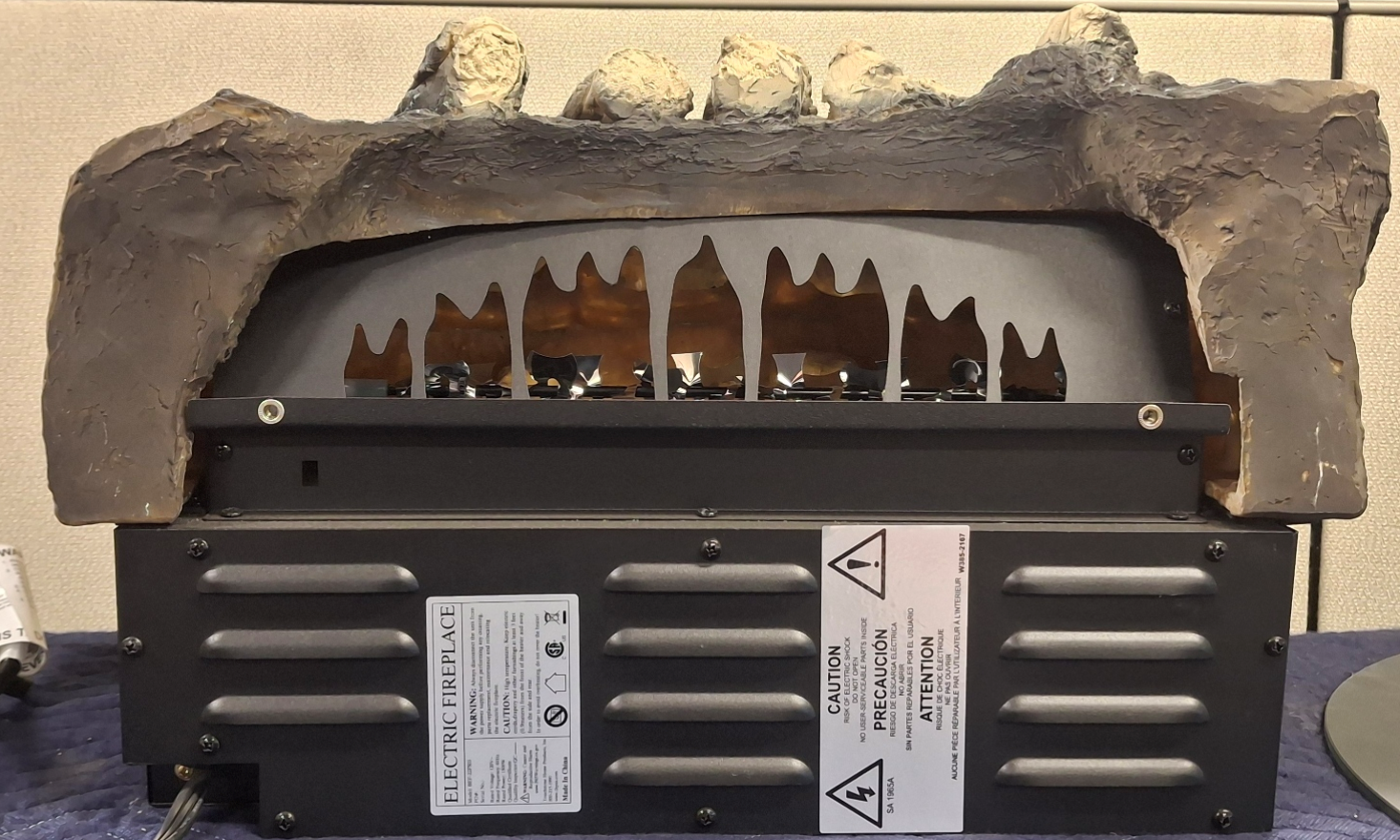
4. Install new flame display panel and secure with 2 thumb screws to hold display panel in place.
**Note, the mirror side faces towards the wall.
Video Instructions:
For video instructions on replacing the led lights on your BurnBrite Oak Log Series Electric Fireplace, click on the following link:
Need More Help?
Please contact our technical support team at 800-215-1990 for further troubleshooting or click the following link to file a support ticket:
https://touchstonehomeproducts.freshdesk.com/support/tickets/new
Was this article helpful?
That’s Great!
Thank you for your feedback
Sorry! We couldn't be helpful
Thank you for your feedback
Feedback sent
We appreciate your effort and will try to fix the article