Problem: The flames are no longer visible when the fireplace is turned on.
Solution: Replace the LED lights.
Models Supported:
80073 - BurnBrite 22" Smart Electric Log Insert
80074 - BurnBrite 27" Smart Electric Log Insert
Tools Required:
- Phillips Screwdriver
- Needle-nose plyers
Instructions:
1. Turn Off the BurnBrite Oak Log Electric Fireplace and unplug the fireplace from the wall outlet.
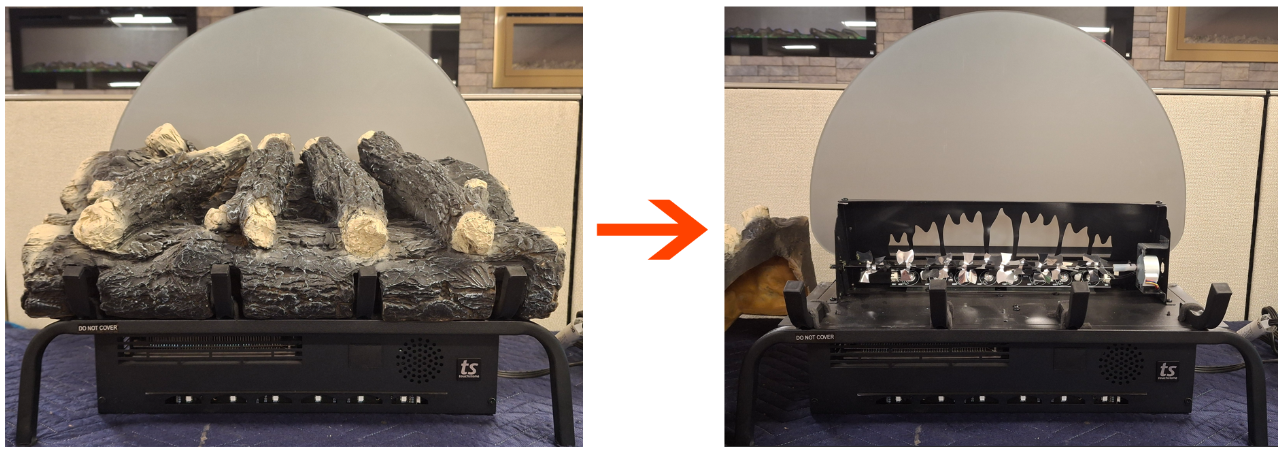
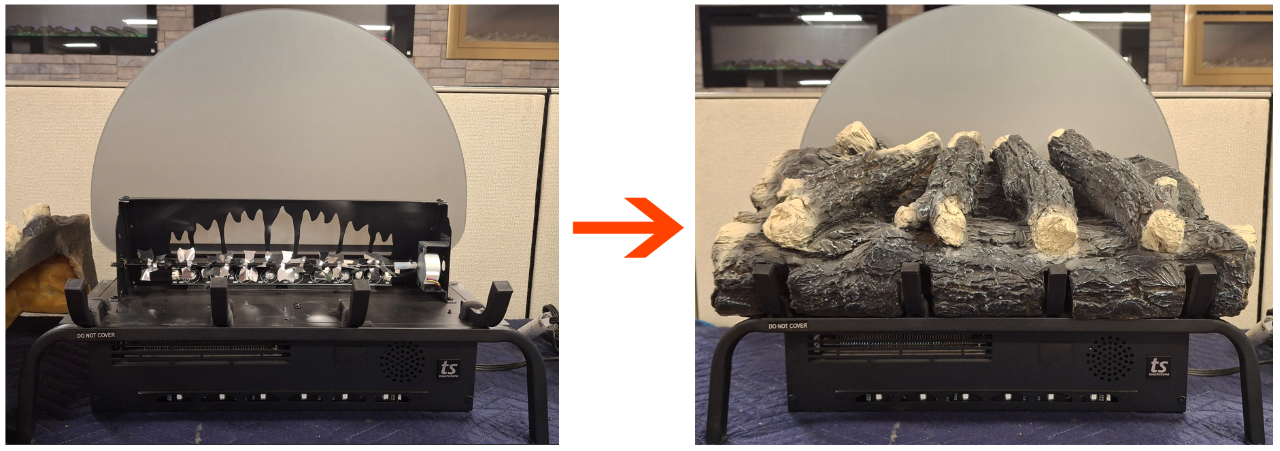
2. Remove log set from the top of the fireplace.
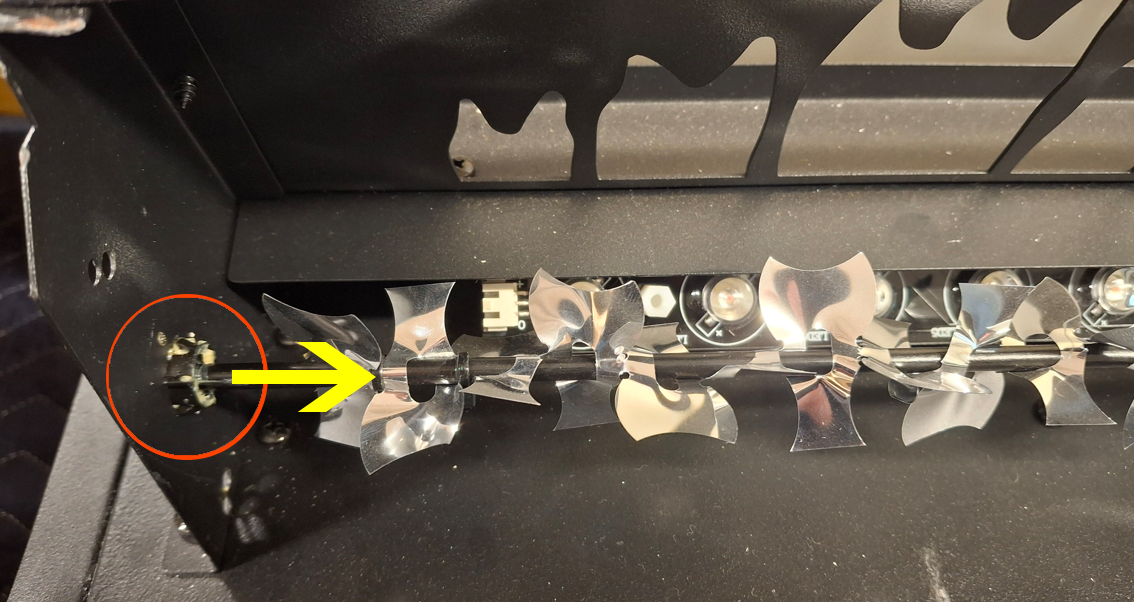
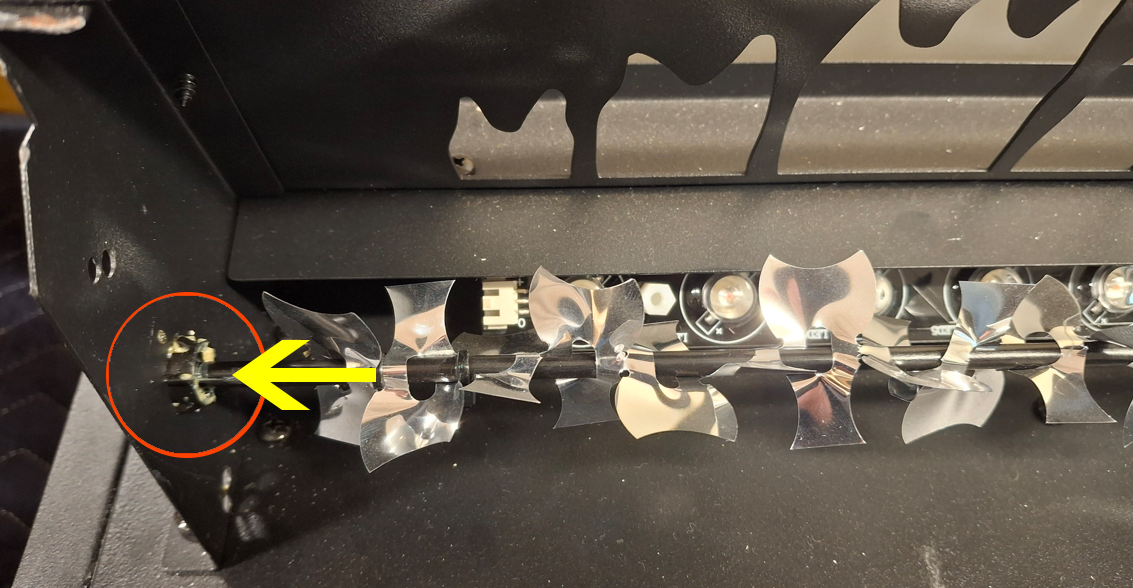
3. Pull the flame rod to the right to remove the flame rod from its holder.
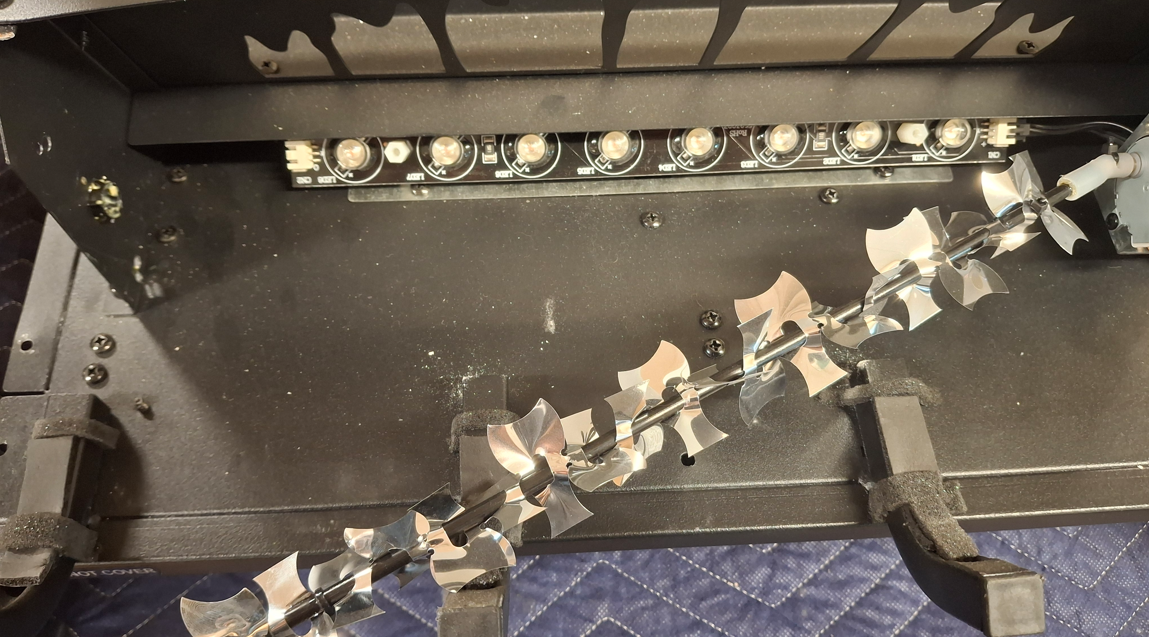
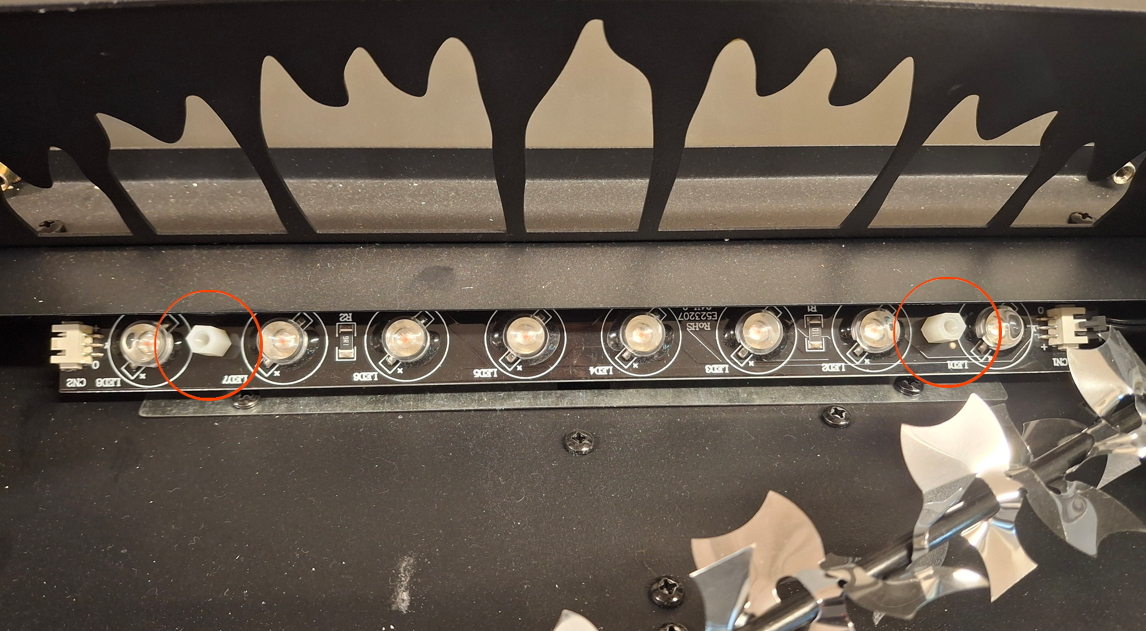
4. Locate the flame LED strip and remove the 2 plastic nuts securing the LED light strip.
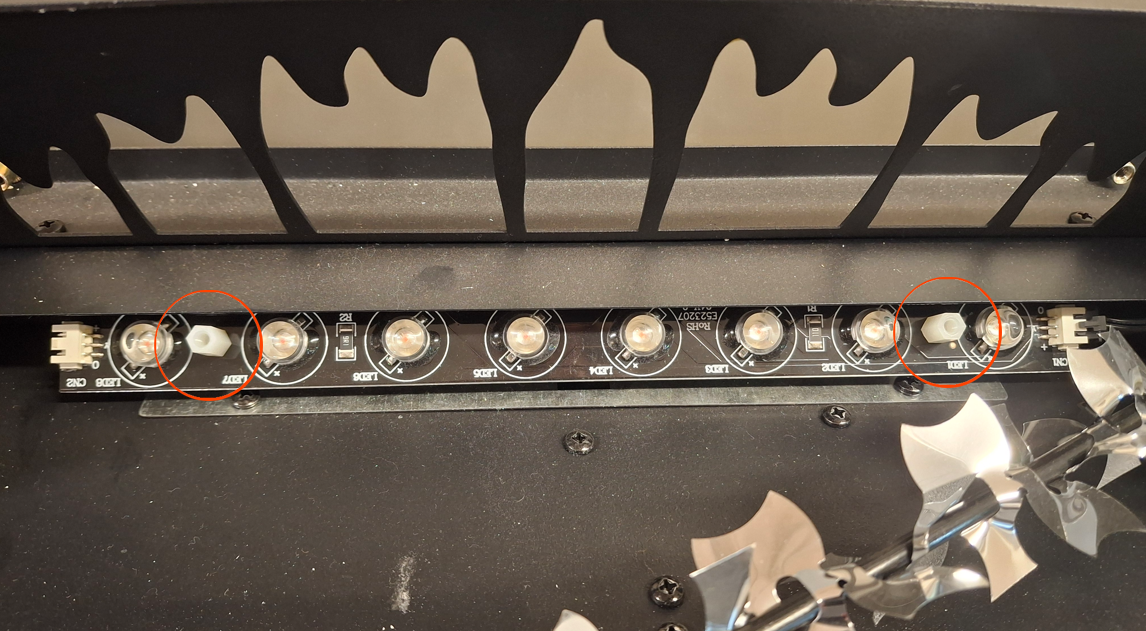
5. Once the plastic nuts are removed, move the LED light strip from its holders and disconnect the cable from the LED light strip.
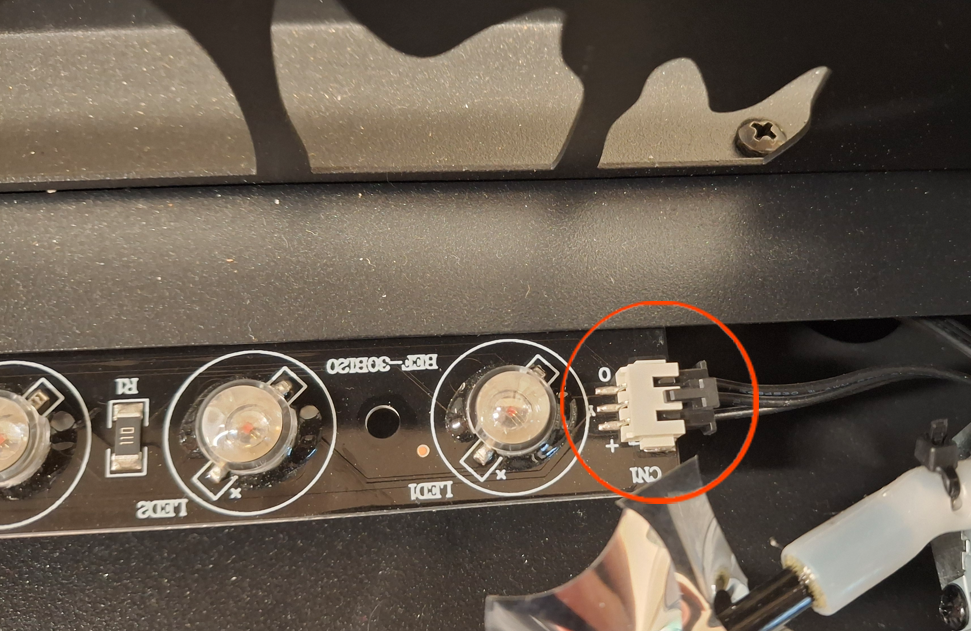
6. Replace the flame LED light strip with a new strip and reconnect the cable to the flame LED strip.
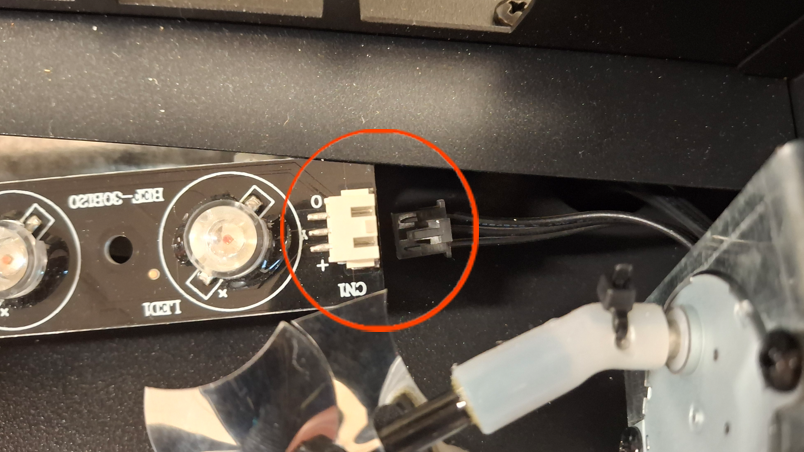
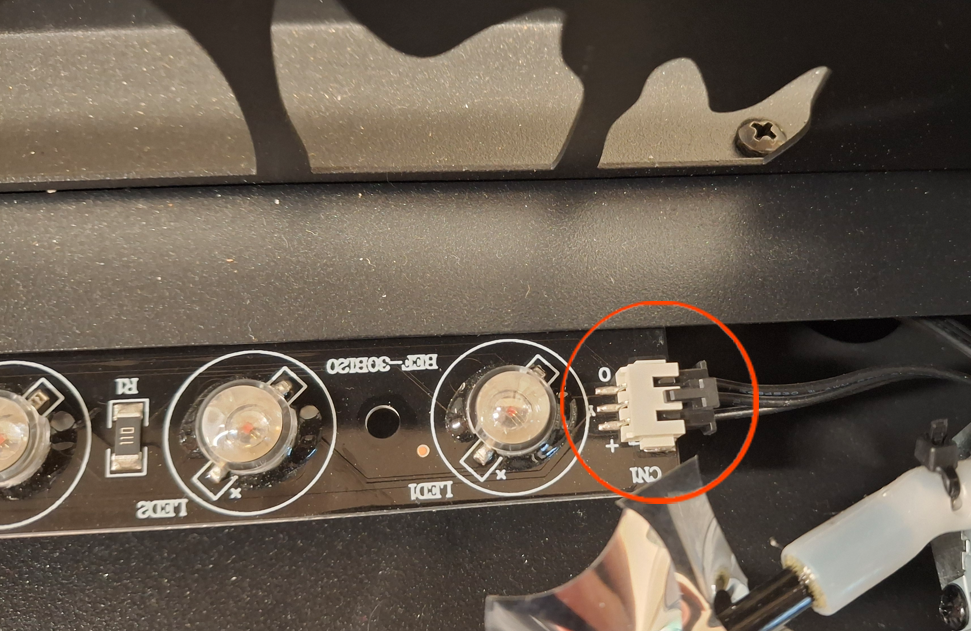
7. Place the flame LED light strip back on its holder and resecure the 2 plastic nuts to hold the flame LED strip in place.
8. Place the flame rod back in the holder.
9. Reinstall the logs back on the fireplace and test.
Video Instructions:
For video instructions on replacing the led lights on your BurnBrite Oak Log Series Electric Fireplace, click on the following link:
Need More Help?
Please contact our technical support team at 800-215-1990 for further troubleshooting or click the following link to file a support ticket:
https://touchstonehomeproducts.freshdesk.com/support/tickets/new
Was this article helpful?
That’s Great!
Thank you for your feedback
Sorry! We couldn't be helpful
Thank you for your feedback
Feedback sent
We appreciate your effort and will try to fix the article